1 · Parent Phone
WearBro Family Tracker (Android)
Live Google Maps family view, 30-day route playback, Safe Zone arrive/leave alerts, low-battery warnings, and 1-tap Ring Watch.
▶ Get on Google Play (Android)Locate your kids' or family members' Apple Watch, Samsung Galaxy Watch, or Google Pixel Watch from any iPhone or Android phone — with Safe Zone arrival alerts, 30-day route history, 1-tap Check-In, and ultra-eco battery life.

Install the Parent Phone App on Mom & Dad's iPhone or Android, and install the Watch App on your family's Wear OS or Apple Watch. Mix and match freely!
Live Google Maps family view, 30-day route playback, Safe Zone arrive/leave alerts, low-battery warnings, and 1-tap Ring Watch.
▶ Get on Google Play (Android)
Standalone LTE & Wi-Fi watch app with ultra-eco sensor-hub batching, 1-tap Check-In / Pick Me Up, Ring Watch chime, and wrist consent.
⌚ Get on Google Play (Wear OS)
Native Apple Maps & Satellite family dashboard for iPhone & iPad. Track both Wear OS and Apple Watches with urgent Check-In alerts.
Download on App Store (iPhone)
Runs standalone on Apple Watch SE / Series 4+ — including Apple Watch For Your Kids (Family Setup)! Auto Ultra-Eco below 30% battery.
⌚ Get for Apple Watch (watchOS)Most trackers lock you into one brand or drain your child's watch by lunchtime. WearBro bridges Apple Watch, Galaxy Watch, and Pixel Watch with hardware-friendly eco tracking.
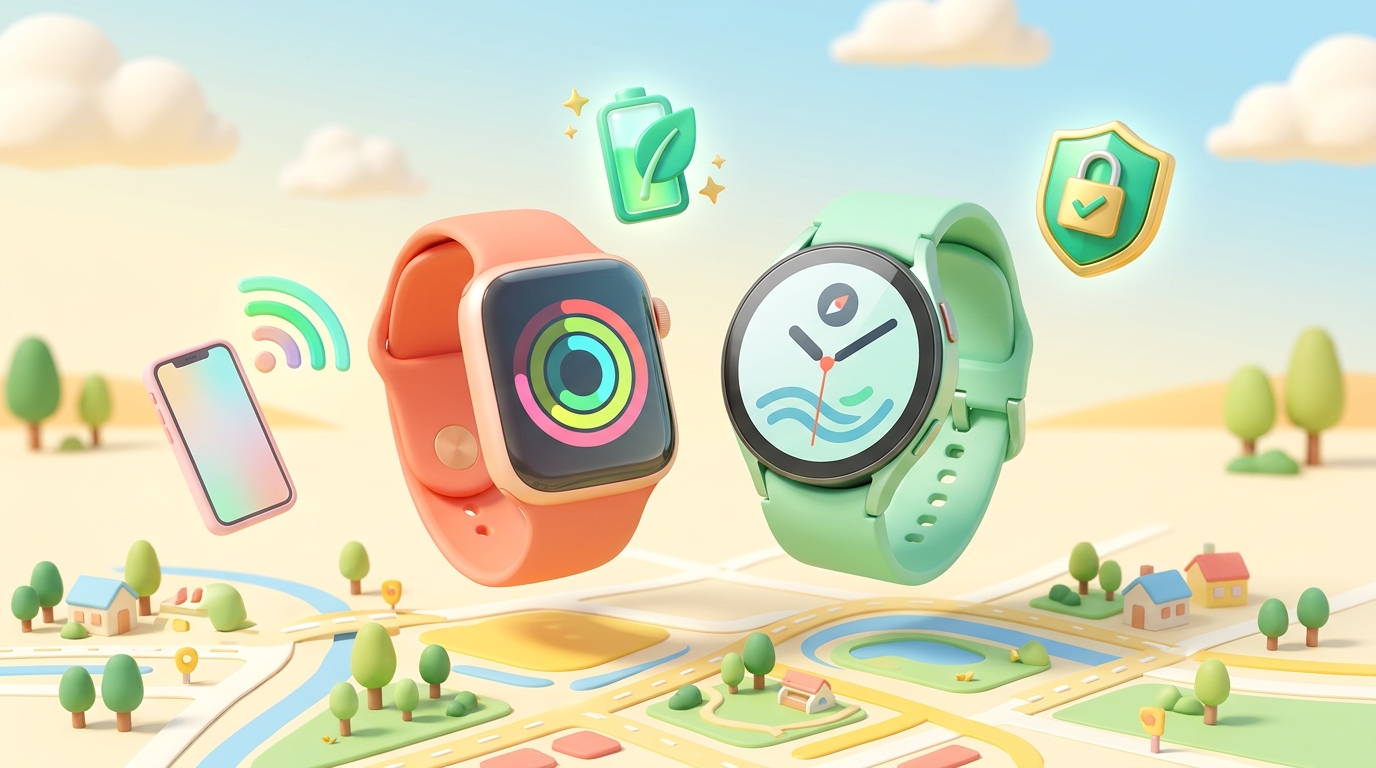
Designed by parents for real school days, sports practices, neighborhood bike rides, and family trips.

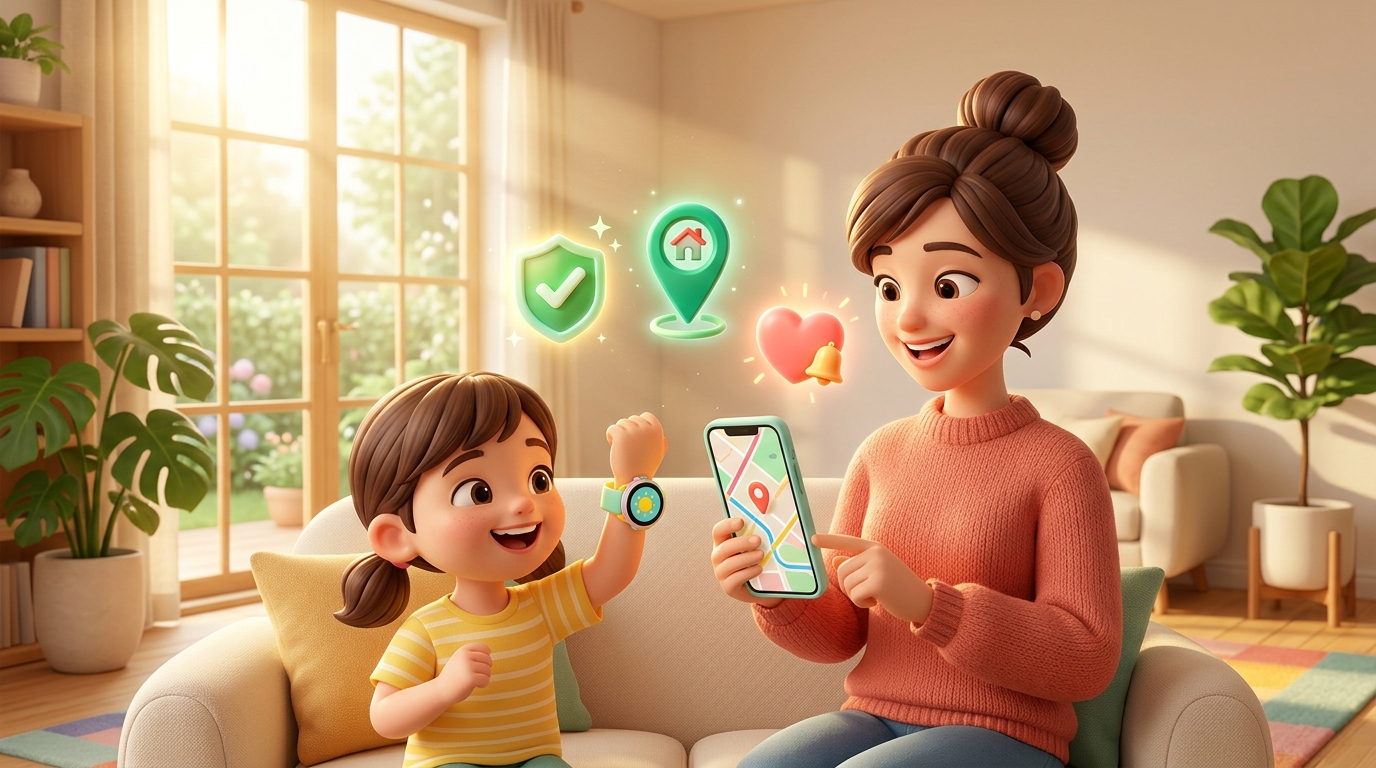
See live pins, battery %, charging status, and replay 30 full days of routes — with automatic 7-point breadcrumb backfill so no trip segment is lost.

Draw custom Safe Zones around Home, School, or Practice and get instant arrival and departure notifications computed privately right on your phone.
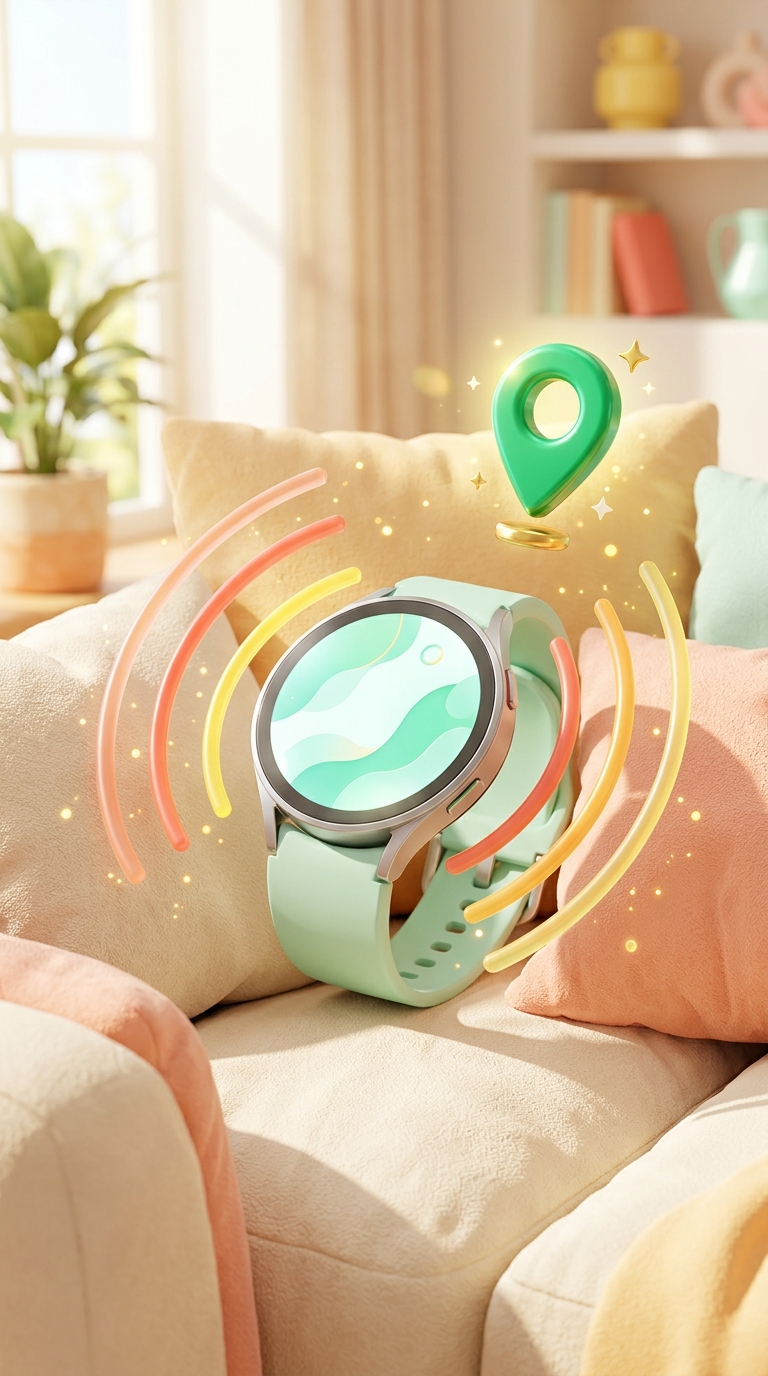
Kids can tap Check-In / Pick Me Up on their wrist to send a high-priority alert with exact GPS. Lost the watch in the couch? Tap Ring to chime it!

Every coordinate is encrypted on the watch before leaving the wrist. Our stateless relay never saves your location history to any database.
Hardware sensor-hub batching + 2-minute LTE ping-storm protection on Wear OS, and automatic Ultra-Eco (<30% battery) mode on Apple Watch.

Link Mom, Dad, and grandparents' phones to multiple watches with zero paywalls, zero monthly tracking subscriptions, and 1-tap spam protection.
Press play to see how WearBro keeps your whole family connected in under a minute.
Live GPS, Safe Zones, 1-Tap Check-In, Ring Watch, and Zero-Cloud AES-256 privacy in 38 seconds.
A quick step-by-step onboarding walkthrough showing how to link your watch and enable background location cleanly.
Choose your watch or phone platform below to see the exact 3 steps to get live tracking running smoothly.
Every connection requires verified sign-in and explicit approval right on the watch wrist — no secret tracking, no complicated pairing codes, and instant revoke anytime.
Download WearBro Watch from Google Play on the Galaxy Watch or Pixel Watch, accept the privacy disclaimer, and tap Sign in with Google so the watch verifies its own account email.
When prompted, grant Location permission (Allow all the time) so sensor-hub eco updates continue quietly even when the watch screen is off at school or on LTE.
Send a tracking request from the parent's iPhone or Android app to the watch's Google email. A notification pops up on the watch — tap Approve and live encrypted sharing starts immediately!
Install WearBro Watch directly from the Apple Watch App Store (works standalone on Family Setup / Apple Watch For Your Kids too!). On Step 1, tap Sign in with Apple and choose Share My Email.
On Step 2, tap Allow Location → Allow While Using. On watchOS 10+, this powers CLBackgroundActivitySession for live 200m eco movement tracking (and auto-switches to Ultra-Eco below 30% battery).
Send a request from your iPhone or Android WearBro app to the watch's Apple ID email, then tap Check Requests → Approve on the watch (or tap Sync from iPhone if paired to your own iPhone).
Install WearBro Family Tracker on your iPhone or Android phone, sign in with your Google account, and allow Push Notifications so Safe Zone, Low Battery, and Check-In alerts arrive instantly.
Open the Watches tab, tap + Add Watch, enter a friendly name (like "Maya's Watch") and the watch's verified email, and tap Send Request.
Open Safe Zones, tap the map or search an address, pick a radius (e.g. 150m), and save. You can tap any saved zone chip later to update it in place!
Quick answers about privacy, battery life, Apple Watch Family Setup, and cross-platform tracking.
Never. Every location packet is End-to-End Encrypted with AES-256-GCM on the watch before transmission. Our stateless relay passes the encrypted packet to your phone and stores zero permanent database history. Your 30-day timeline lives strictly on your own phone.
Yes! WearBro is 100% cross-platform. An iPhone or iPad can track Wear OS watches (Galaxy Watch, Pixel Watch) and Apple Watches on the same map, and an Android phone can track Apple Watches and Wear OS watches seamlessly.
No. WearBro is engineered for all-day battery life: on Wear OS it uses hardware sensor-hub batching (150m movement gate), zero 24/7 foreground service on Samsung Galaxy Watch, and a 2-minute LTE ping-storm shield. On Apple Watch it uses low-power 200m eco filtering and automatically switches to Ultra-Eco (<0.5%/hr) whenever battery drops below 30%.
Yes! WearBroWatch is built as an independent watchOS 10+ app (WKRunsIndependentlyOfCompanionApp = true) with on-wrist Sign in with Apple, so kids with a Family Setup Apple Watch can install it straight from the Watch App Store and approve parent requests with zero typing.
You can delete your account and wipe all local history anytime inside the WearBro app (Settings → Delete Account & Local Data), or visit our dedicated Account & Data Deletion Page.